
Decorate My Room
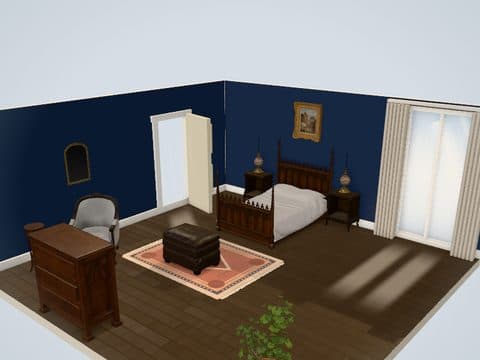
Decorate my room, no photo needed: you start from a ready-styled 3D bedroom, living room or kitchen and change the paint, rugs, wall art and lamps yourself. There is no upload and no AI redesign, so every item in the room is one you placed or kept. It is free, needs no sign-up and runs in your browser.
What you can decorate
You change the decor layer: walls, floor, textiles, lighting, wall pieces and plants.
Walls and floor
Paint the walls from preset swatches and switch the floor finish.
Rugs and fabrics
Add, move and resize rugs, and switch a piece's fabric through its style variants.
Lighting
Place table lamps, floor lamps, sconces and LED strips, then preview them at Evening or Night.
Wall pieces and plants
Hang wall art, mirrors and shelves, and set plants and vases on the floor.
Why there is no photo upload
This styler builds your decor in a 3D room instead of repainting a photo. Photo tools return a new picture; here you place each rug, lamp and frame and orbit around the result.
- Change one item at a time and undo it
- See the same room by day, evening and night
- Keep the layout and try a second look on it
The trade-off is plain: the room is a fixed shape, not a copy of yours.
Who it is for
- Renters choosing decor that changes a room without changing the walls
- Anyone deciding between a modern, classic, vintage, gothic, rustic or farmhouse look
- People who want to see a paint color next to their furniture before buying a sample
For decor you take with you at move-out, see renter-friendly decor ideas.
How it works in three steps
- Open the styler and choose a room and a ready-styled look.
- Open Paint for walls and floor, and Decor and lighting for rugs, art, lamps and plants.
- Save the room in your browser or download it as a PNG image.
What it does not do
- No photo upload of your own room
- No AI redesign or generated images
- No custom room size or shape
- No brand products and no prices
Every room it offers is on the 3D room planner page.
Pick a styled room and change the first rug or lamp.
Start decoratingQuestions people ask
Do I need a photo of my room?
No, you do not need a photo. You start from a ready-styled 3D room and decorate it piece by piece.
Is there a decorate my room app to download?
No download is needed, because the styler is a web app. It opens in the browser on a phone or computer, free and without an account.
Which rooms can I decorate?
You decorate a living and dining room, a bedroom or a kitchen. Each opens in a ready-styled look such as Modern, Classic, Gothic Classic or Farmhouse.
Try the look in the free 3D styler before you buy anything.
Start decoratingKeep reading
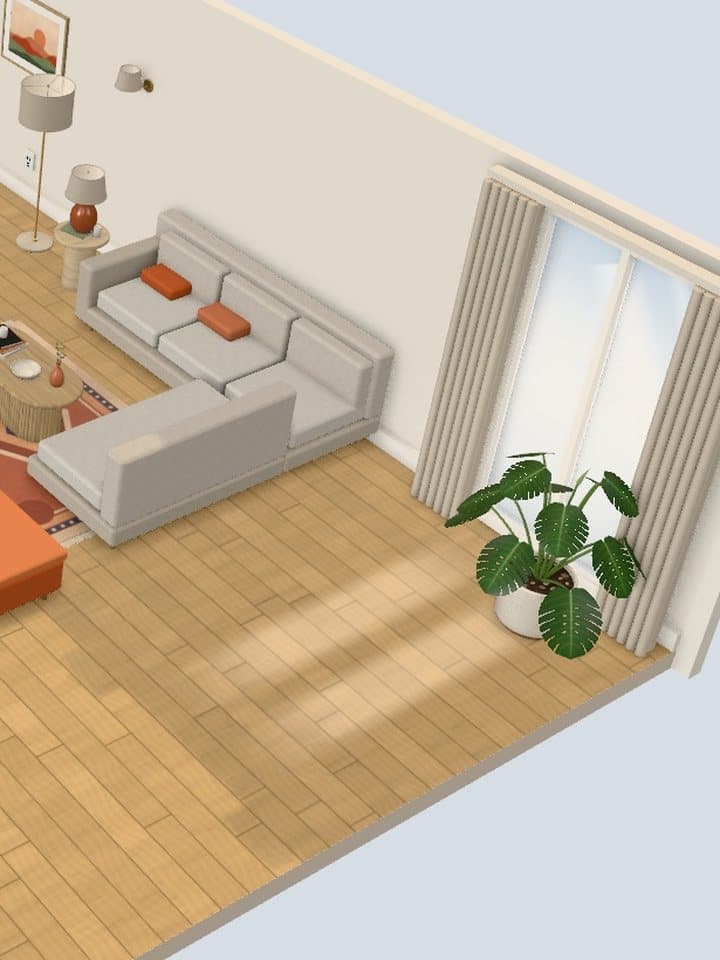
Renter-Friendly Decor Ideas
Decor for walls, light, windows and floors, sorted by how easily it comes off.
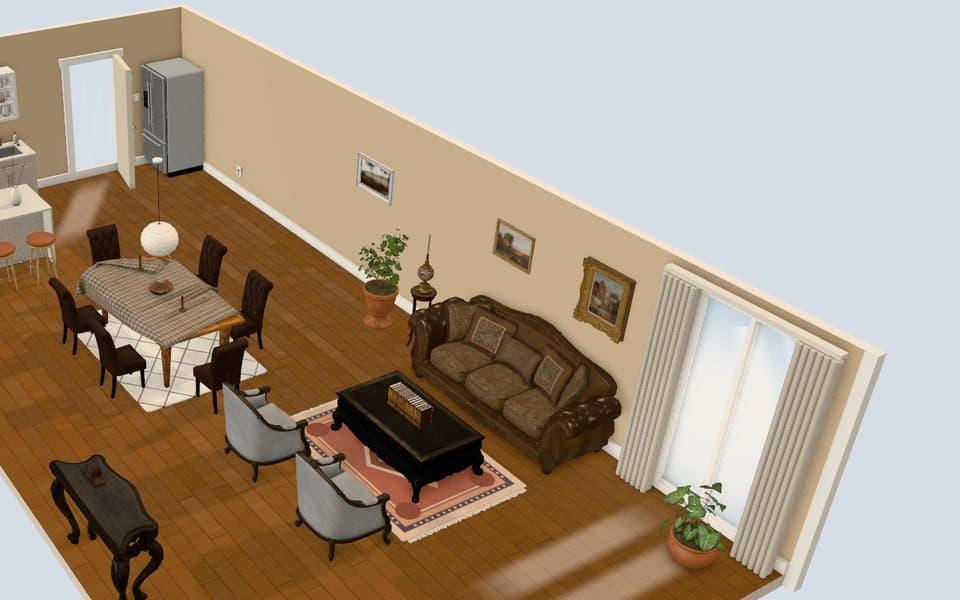
Renter-Friendly Wall Decor Ideas
Hang art without nails, choose the right wall and take it down clean.
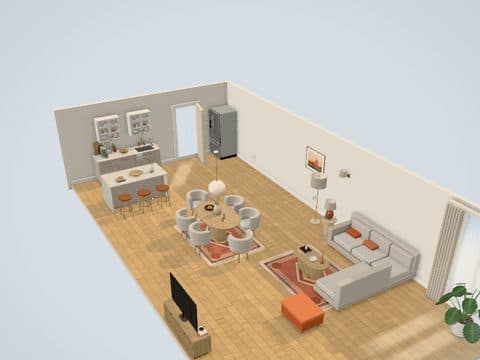
How to Decorate an Apartment
A seven-step plan, from the tape measure to the finishing touches.