
3D Room Planner
Our 3D room planner opens a fully styled apartment room in your browser, ready for you to move, swap and repaint. Pick a living and dining room, a bedroom or a kitchen, then drag furniture, change the wall color and switch from day to night. It is free, with no sign-up and nothing to download.
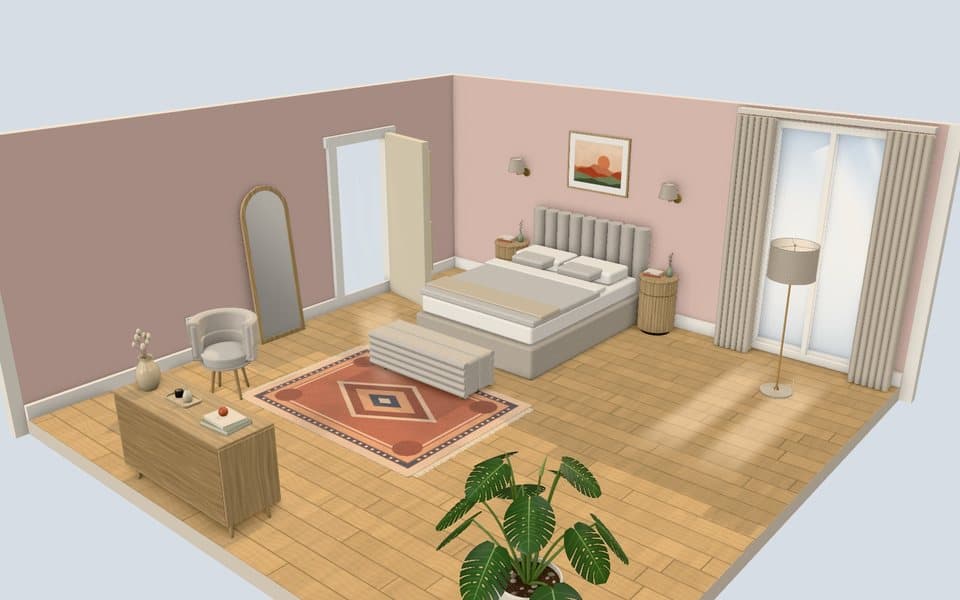
Guides in this section
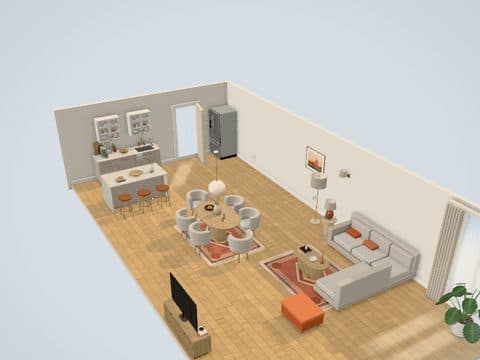
Apartment Design App
Style the living room, bedroom and kitchen of your apartment in 3D.
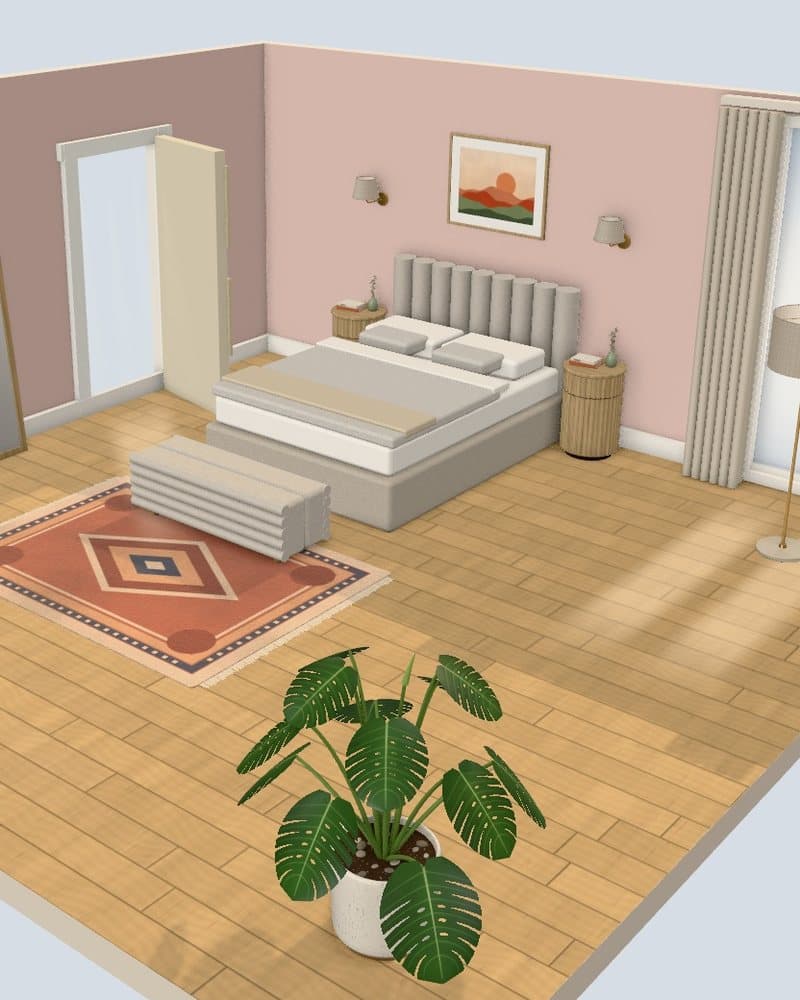
Bedroom Designer
Rearrange a styled 3D bedroom: the bed wall, storage, paint and lamps.
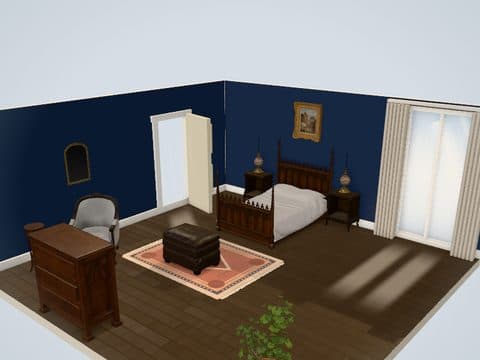
Decorate My Room
Decorate a ready-styled 3D room with paint, rugs, art and lamps. No photo needed.
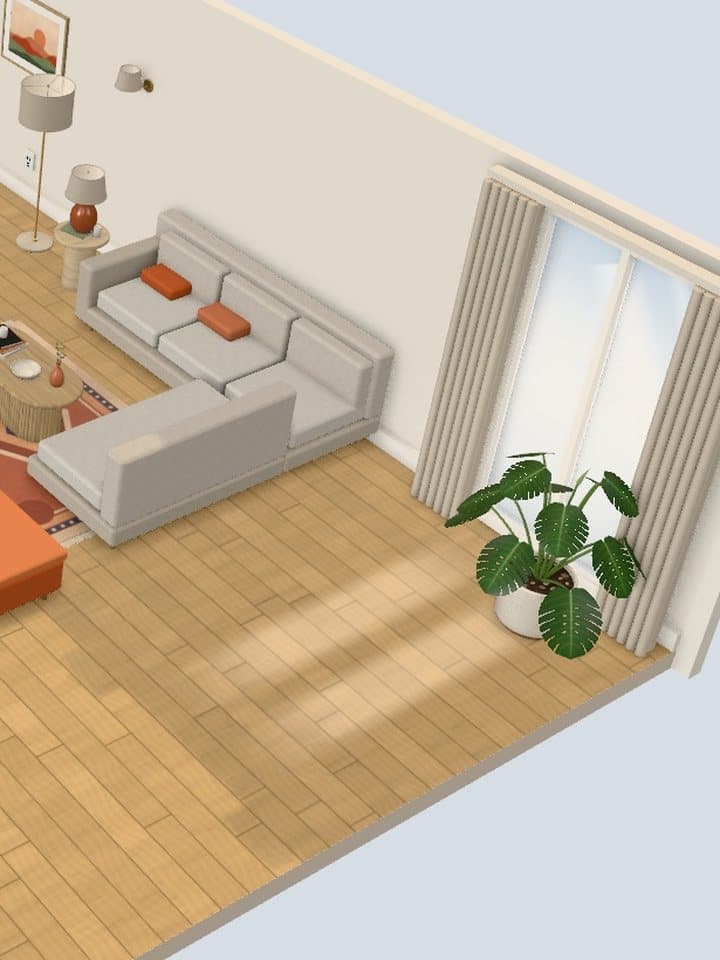
Furniture Placement App
Drag, rotate and resize furniture in a 3D room, on phone or desktop.
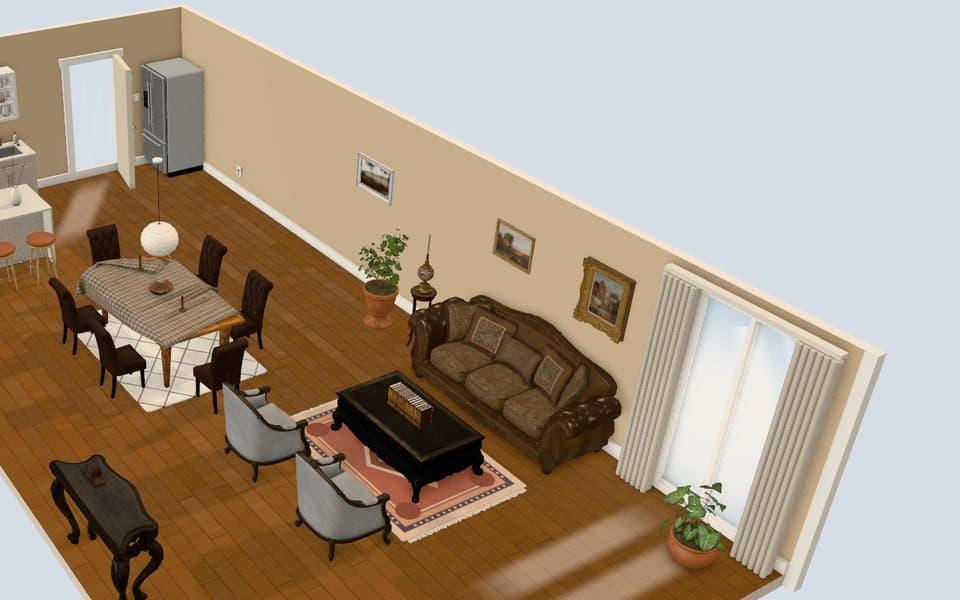
Living Room Planner
Lay out the lounge, dining table and kitchen of an open-plan room in 3D.
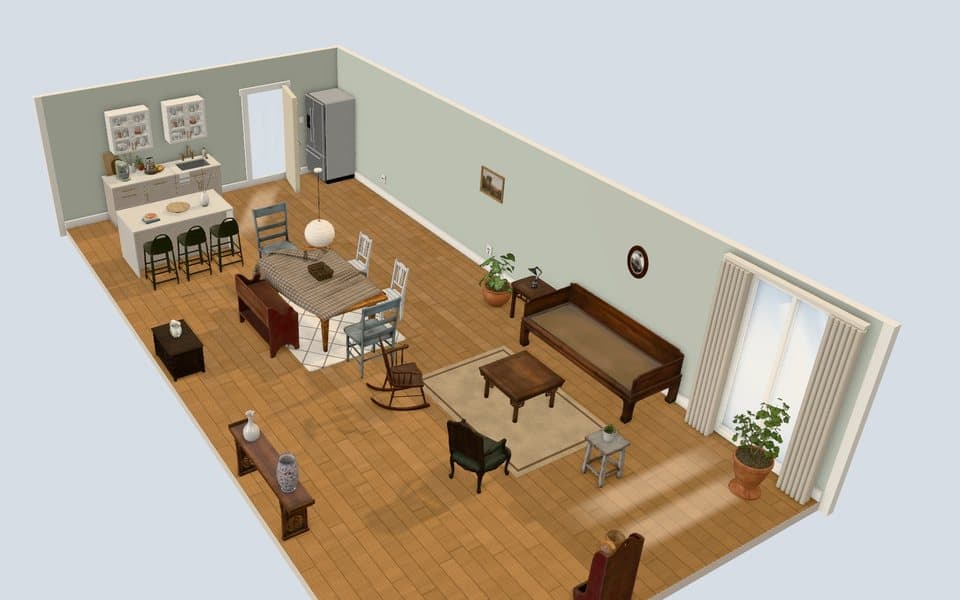
Room Furniture Planner
Decide which furniture a room needs, then swap pieces and styles in 3D.
What you can do in the planner
You rearrange, restyle and relight a finished room. Every room opens fully furnished, so your first click is an edit, not a blank floor.
- Move furniture: drag any piece, rotate it, make it bigger or smaller, duplicate it or delete it.
- Add pieces: search a catalog of seating, tables, storage, lighting, kitchen units, decor and wall items.
- Change surfaces: paint the walls and change the floor finish from preset swatches.
- Change the light: switch between day, evening and night, open the drapes and turn the lamps on.
- Keep your work: save designs in your browser and download a PNG image to share.
Which rooms and looks you start from
The planner has three rooms and eight ready-styled looks. Each look sets the furniture, wall color and floor, and you change any of them afterwards.
| Room | Ready-styled looks | Pieces in the Modern look |
|---|---|---|
| Living and dining (open plan with a kitchen run) | Modern, Classic, Vintage Eclectic | Sectional, rug, coffee table, TV console, dining table and chairs, sideboard, island with stools |
| Bedroom | Modern, Gothic Classic, Rustic Vintage | Bed, two nightstands, bench, wardrobe, dresser, floor mirror, wall sconces |
| Kitchen | Modern, Farmhouse | Range, counter, sink, fridge, island with stools, dining table and chairs |
Many pieces also come in style variants. Select a piece and open Style to switch its look without moving it.
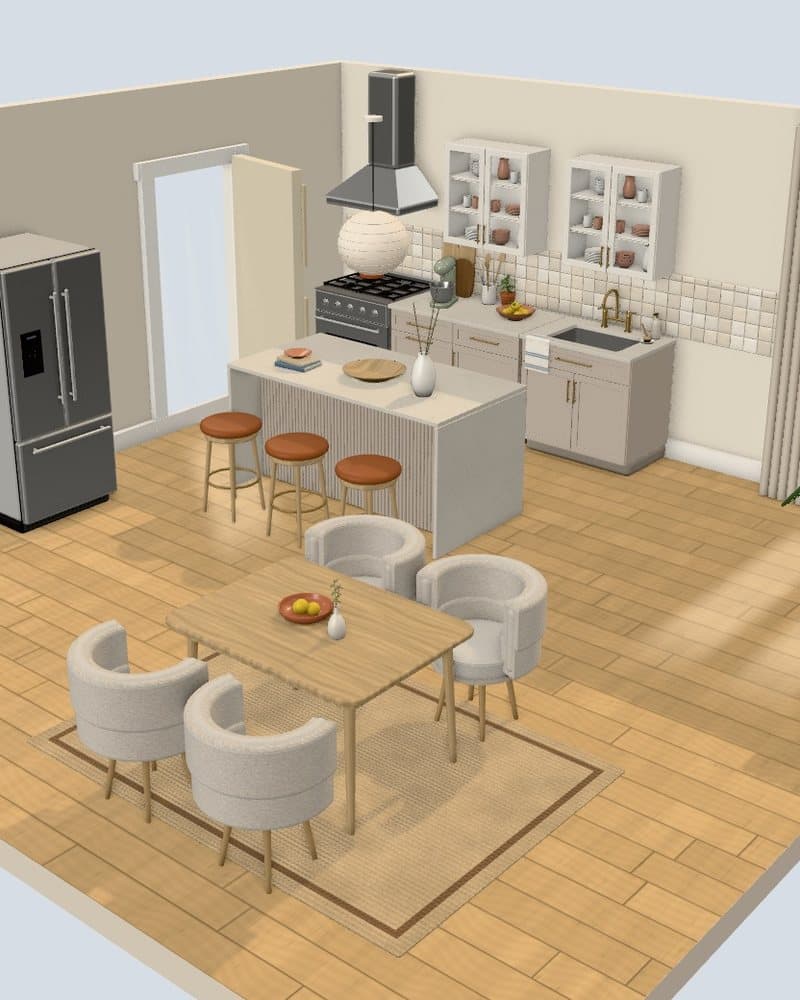
How to plan a room in four steps
- Open the planner and pick the room closest to yours.
- Choose a starting point from Room looks.
- Move, add and remove furniture until the layout matches how you use the room.
- Test paint, floor and lighting, then save the design or download it as an image.
The how to decorate an apartment guide covers what to buy first once the plan is set.
Common room planning mistakes the 3D view exposes
Most layout mistakes show up the moment you look from the doorway. The Entrance camera shows the room as you see it walking in, and the Dollhouse camera shows the whole floor from above.
- Blocking the door: turn on Door open and check that no chair or dresser sits in its swing.
- Covering the window: keep tall wardrobes and bookshelves off the window wall so the drapes still open.
- Floating rugs: pull the rug under the front legs of the sofa or the bed so the group reads as one zone.
- Planning only in daylight: switch to Night with Lamps on and look for the corner that goes dark.
What the 3D room planner does not do
The planner does not take your measurements, your photos or your floor plan. Rooms are a fixed size and shape, so it shows how a layout and a style work together, not whether one specific sofa fits your wall.
- No custom room dimensions and no floor plan drawing
- No photo upload and no AI redesign
- No studio or dorm room presets yet
- No brand products and no prices
Measure your walls and your furniture with a tape measure before you buy. For decor that comes down cleanly at move-out, see renter-friendly decor ideas.
Open a styled room and move the first piece. No account, no download.
Open the 3D stylerQuestions people ask
Is the 3D room planner free?
Yes, the 3D room planner is free. There is no sign-up, no trial and nothing to download, because it runs in your web browser.
Does the planner work on a phone?
Yes, the planner runs in the browser on phones and computers. On a phone the tools sit in a bottom bar, panels slide up from the bottom and you move pieces by touch.
Where are my saved designs stored?
Saved designs are stored in the browser on the device you used. They stay there until you clear that browser's site data, so download a PNG of any design you want to keep elsewhere.
Can I enter my room's measurements?
No, rooms in the planner are a fixed size. Use it to test layout, color and lighting, then confirm the real fit with a tape measure.
Try the look in the free 3D styler before you buy anything.
Open the 3D styler