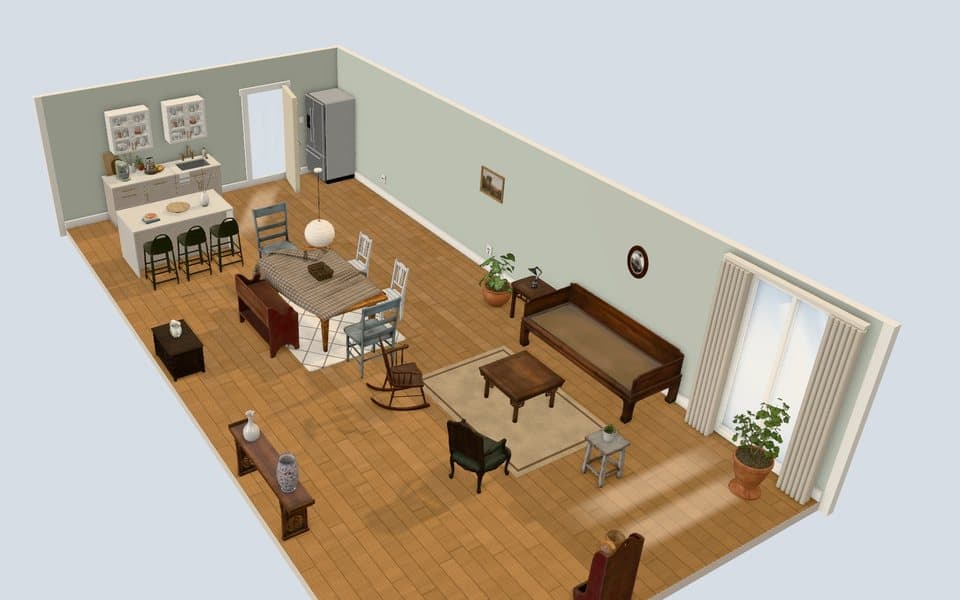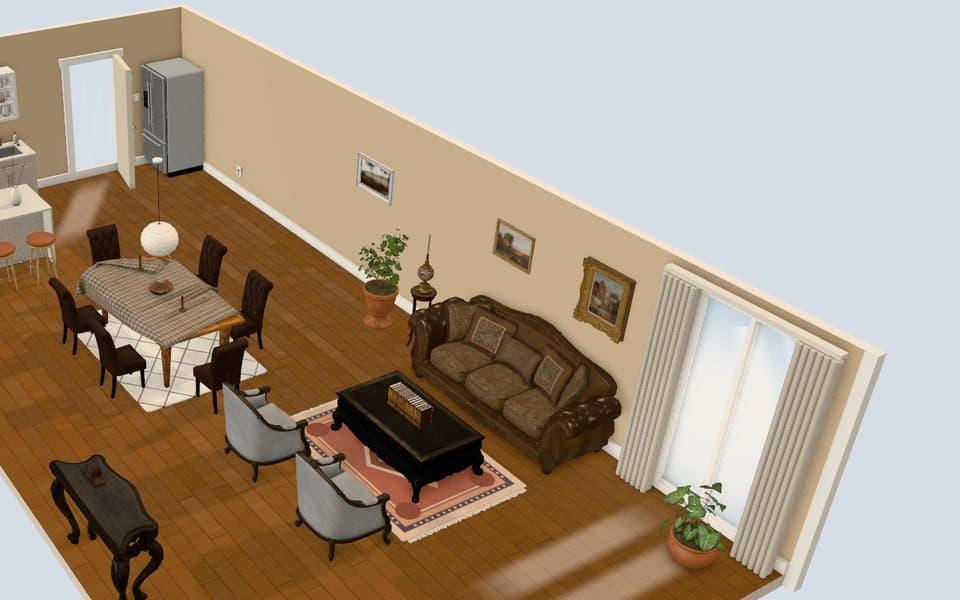
Furniture Placement App
Plan with this furniture placement app before you lift a real sofa: drag, rotate and resize every piece in a furnished 3D room. It runs in the web browser on your phone or computer, so there is no app store download. It is free and needs no sign-up.
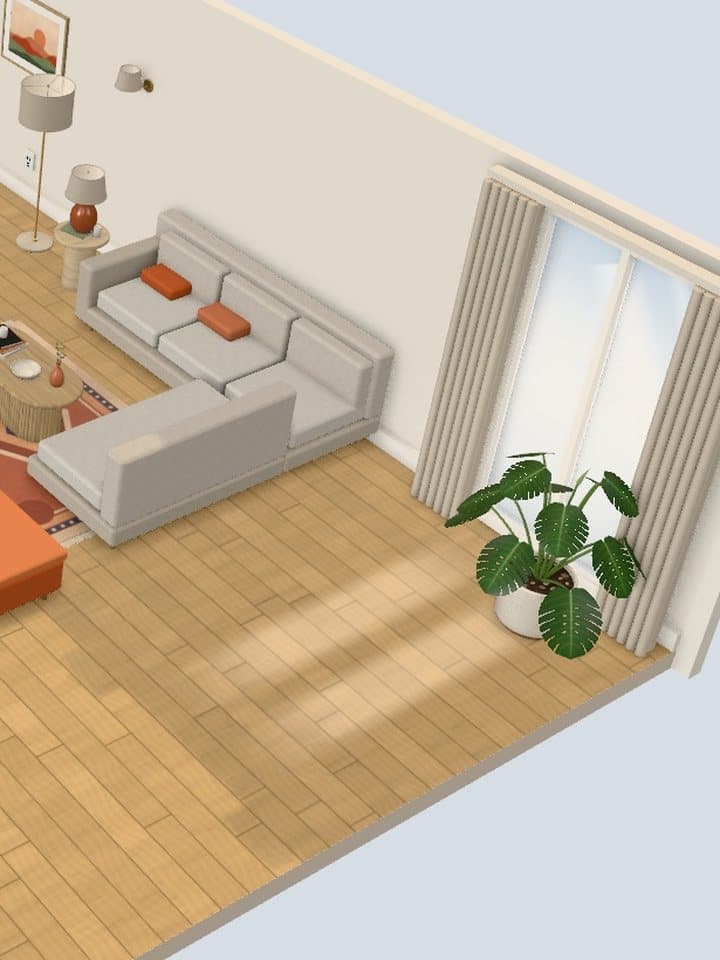
What you can do with each piece
Select any piece to drag it, rotate it, resize it, duplicate it or delete it. Four more controls make testing a layout cheap:
- Undo and redo step back and forward through every move.
- Restore starting look puts the room back the way it opened.
- Clear room empties the floor for a layout from scratch.
- Style variants change a piece's look without moving it.
How to check a layout before you commit
Check every arrangement from two cameras: Dollhouse for the whole floor and Entrance for the view from the door.
- Walkways: a clear path runs from the door to the window and the seating.
- Door swing: with Door open switched on, the door hits nothing.
- Focal point: the sofa faces the TV or the window, not the kitchen counter.
The apartment living room layout guide sets out the rules behind each check.
Who uses it
- People moving into an apartment who want a plan before the movers arrive
- Roommates agreeing where shared furniture goes in the living room
- Anyone tired of dragging a real dresser around to test a layout
How it works in three steps
- Open the styler and pick the living and dining room, the bedroom or the kitchen.
- Tap or click a piece, drag it into place and use the selection bar to rotate or resize it.
- Save the arrangement in your browser, or download a PNG of each layout to compare them.
What it does not do
It does not measure your room or your furniture. Rooms are a fixed size, so it shows where pieces sit relative to each other, the door and the window.
- No custom room dimensions and no floor plan
- No photo upload and no automatic AI placement
- No App Store or Google Play version, because it is a web app
All three rooms are listed on the 3D room planner page.
Open a furnished room and move the first piece.
Start placing furnitureQuestions people ask
Do I need to download the furniture placement app?
No, it runs in your web browser. Open the link on a phone or computer and the room loads, with no App Store or Google Play download.
Does it work on a phone?
Yes, it works on phones as well as desktops. On a phone the tools sit in a bottom bar and you select and move pieces by touch.
Is it a furniture arrangement app too?
Yes, arranging and placing are the same job here. You rearrange the pieces already in the room and add new ones from the catalog.
Try the look in the free 3D styler before you buy anything.
Start placing furniture